• Get Started
  • Feed
  • Learn Postpace
  • Filmmaking Blog
  • Product
  • FAQ
  • Bug Report
  • Support
  • Feature Requests
  • Community
  • Groups
  • Curated Films ↗
  • Members
  • Start for Free
  • Postpace Website
    Sign in Sign up
    • Log In
    • Register
    • Get Started
    • Feed
    • Filmmaking Blog
    • PRODUCT
    • FAQ
    • Bug Report
    • Support
    • Feature Requests
    • COMMUNITY
    • Groups
    • Curated Films ↗
    • Members
    • Start for Free

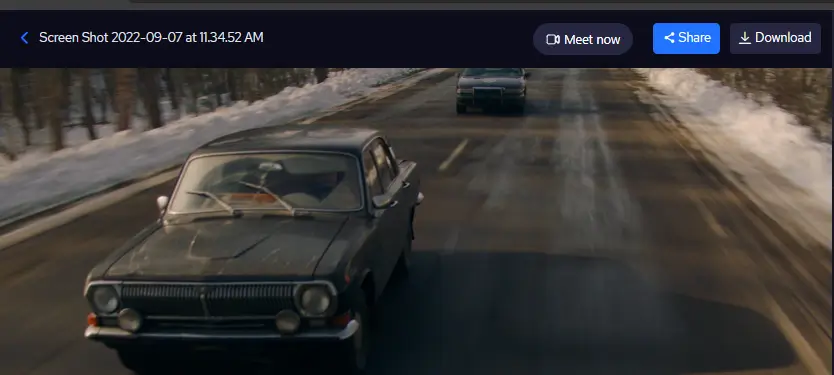
    How can I download a file?

    Open the file you want to download.Locate the “Download” button at the top of the page.Click on it.Once the downloading process is complete, the file…

    Postpace March 18, 2024
    0 Comments

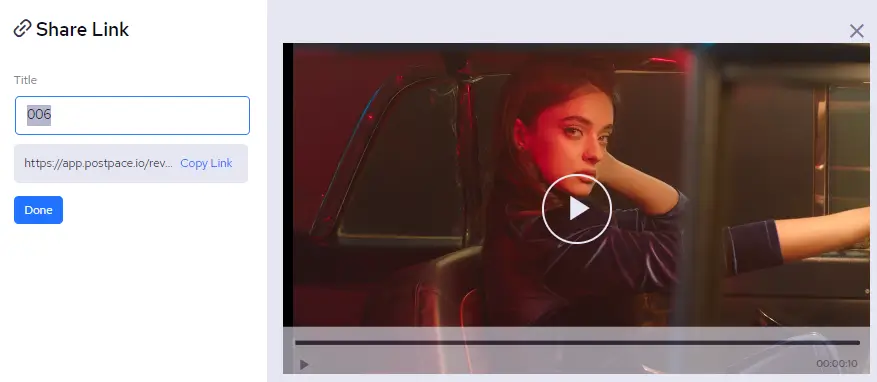
    How to share a file for review?

    Open up the file that you want to share.Look for the share button at the top of the page.Hit that share button to see the…

    Postpace March 13, 2024

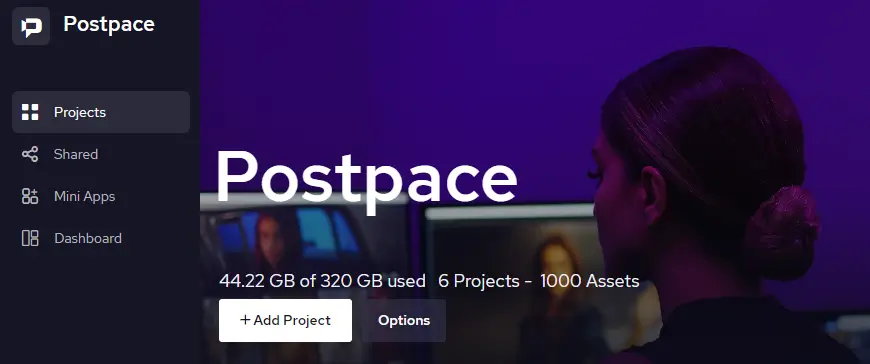
    How to remove a team member from a project?

    If you’re the admin, you’re able to remove a team member from a project. At the top left corner of a project from the Postpace…
    Postpace March 11, 2024

    Can I change my email address?

    If you want to switch up your email on Postpace, it’s too easy!Just head to your dashboard and hit up ‘Profile Settings’.Find your email under…

    Postpace March 8, 2024

    How to change the order of the projects?

    In the upper-right corner of the workspace panel, you’ll find the sorting feature.Simply click on it to reveal two options: ‘Name’ and ‘Date Uploaded.’These options…

    Postpace March 6, 2024
    Load More

    Search

    © 2025 - Postpace Community

    Report

    There was a problem reporting this post.

    Harassment or bullying behavior
    Contains mature or sensitive content
    Contains misleading or false information
    Contains abusive or derogatory content
    Contains spam, fake content or potential malware

    Block Member?

    Please confirm you want to block this member.

    You will no longer be able to:

    • See blocked member's posts
    • Mention this member in posts
    • Invite this member to groups
    • Message this member
    • Add this member as a connection

    Please note: This action will also remove this member from your connections and send a report to the site admin. Please allow a few minutes for this process to complete.

    Report

    You have already reported this .